
How to view payments, parking and charging sessions
1. Go to https://portal.aimopark.io/ and select Sign in.
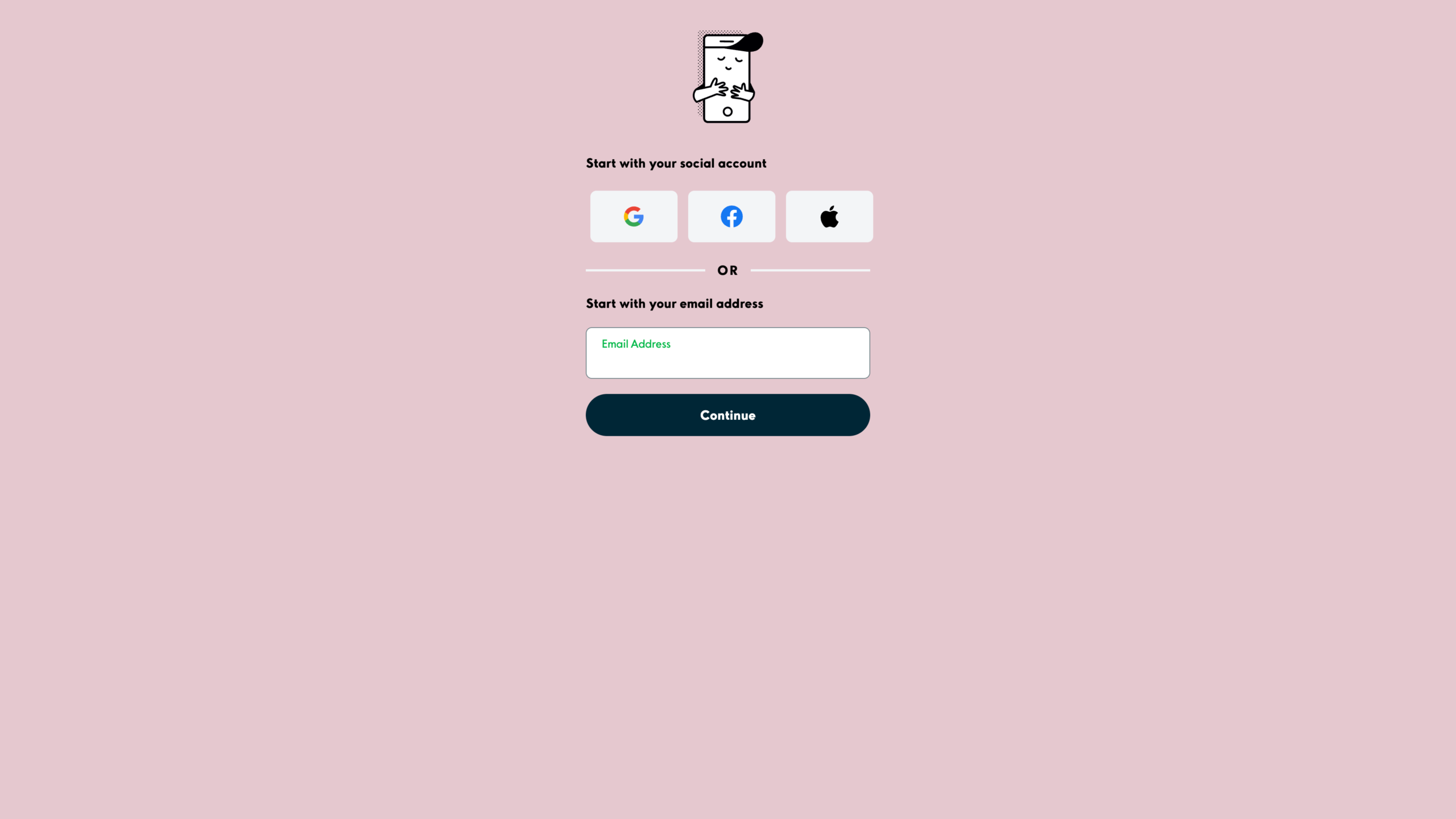
2. Sign in with the email address provided to Aimo Park.
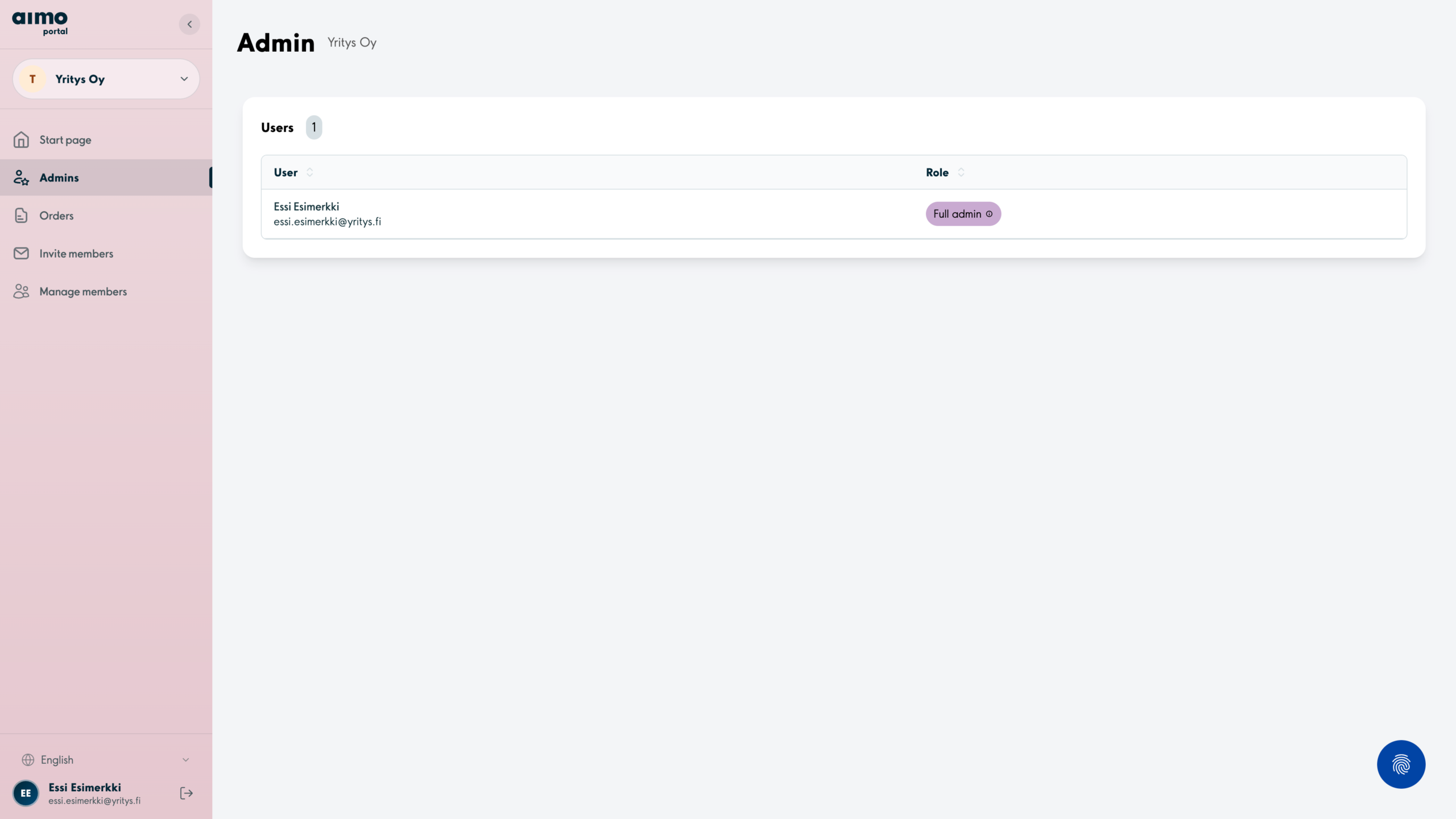
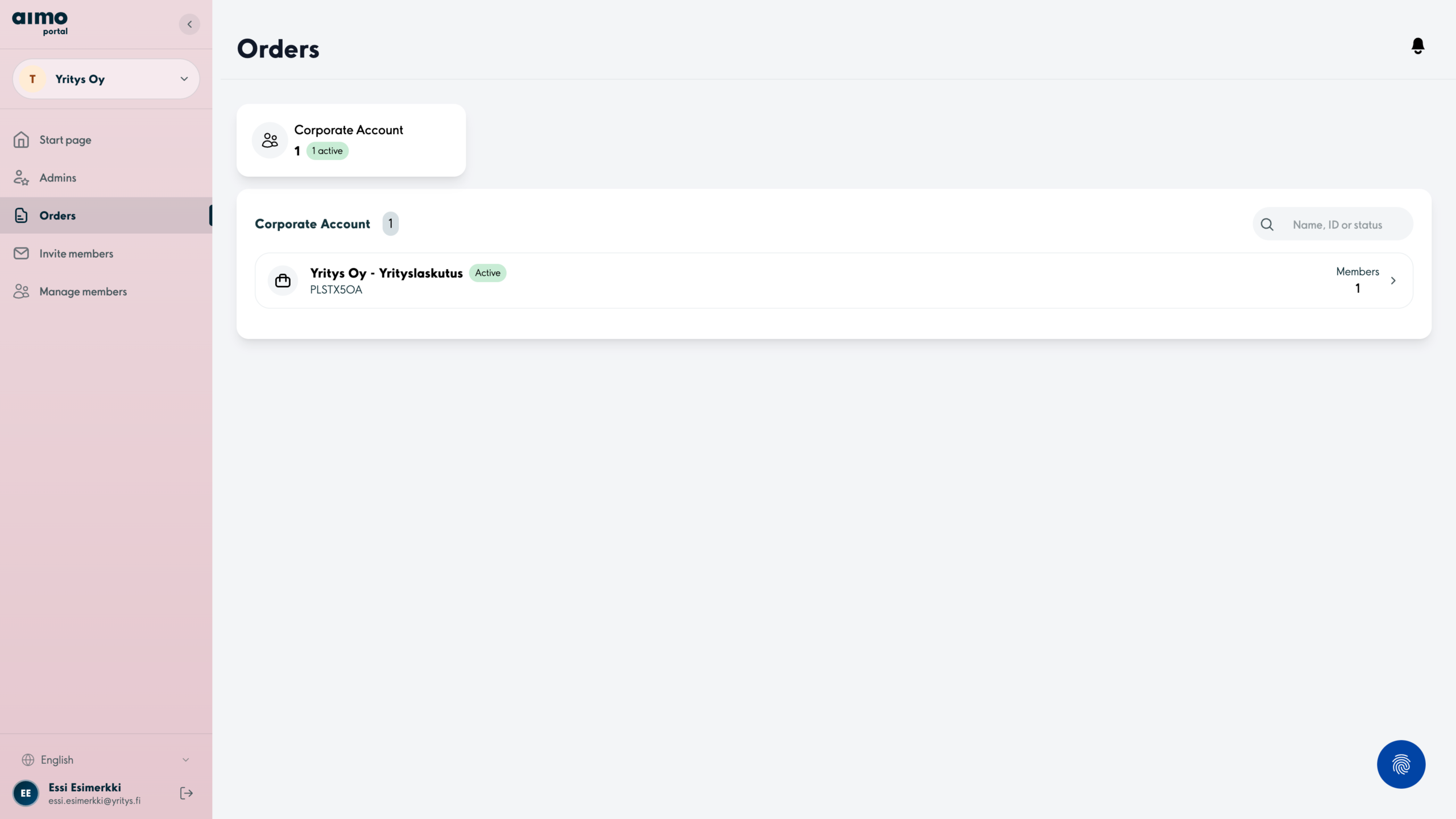
3. Select the right organisation from the side menu and open the Orders section.
4. Select the order for which you want to view information.
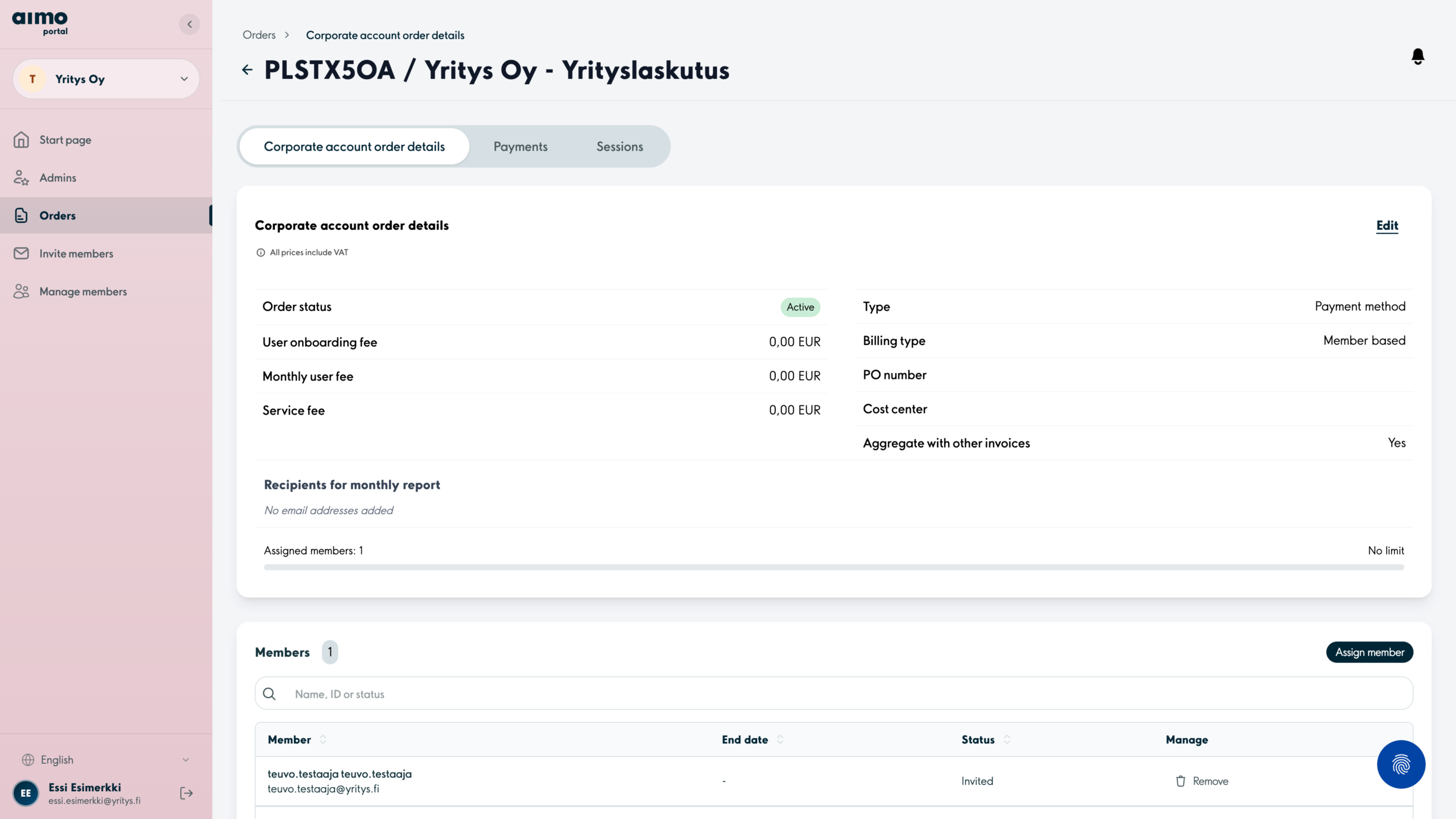
5. In this view you can see the details of your order.
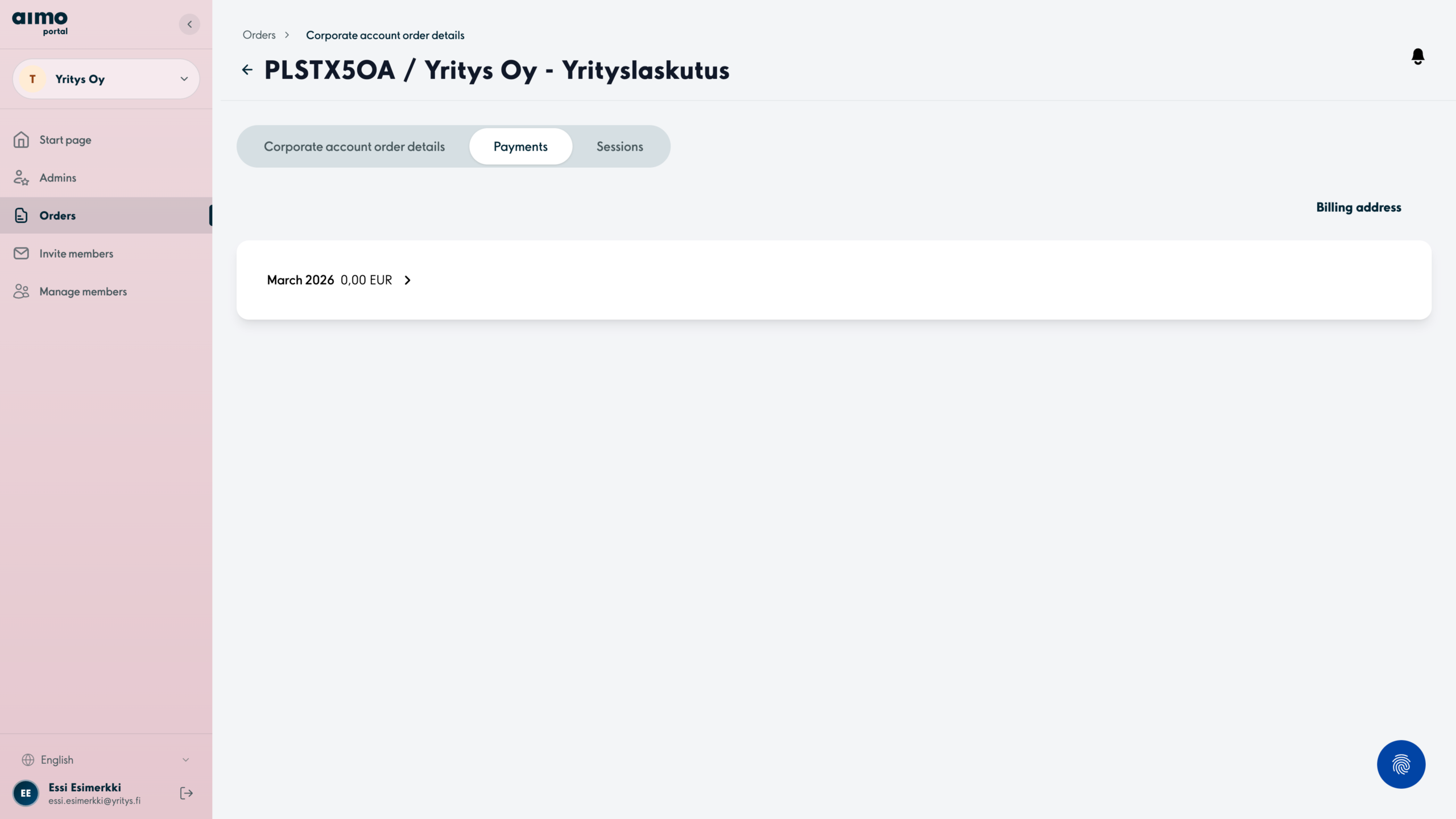
You can view the monthly payments for your subscription by selecting Payments.
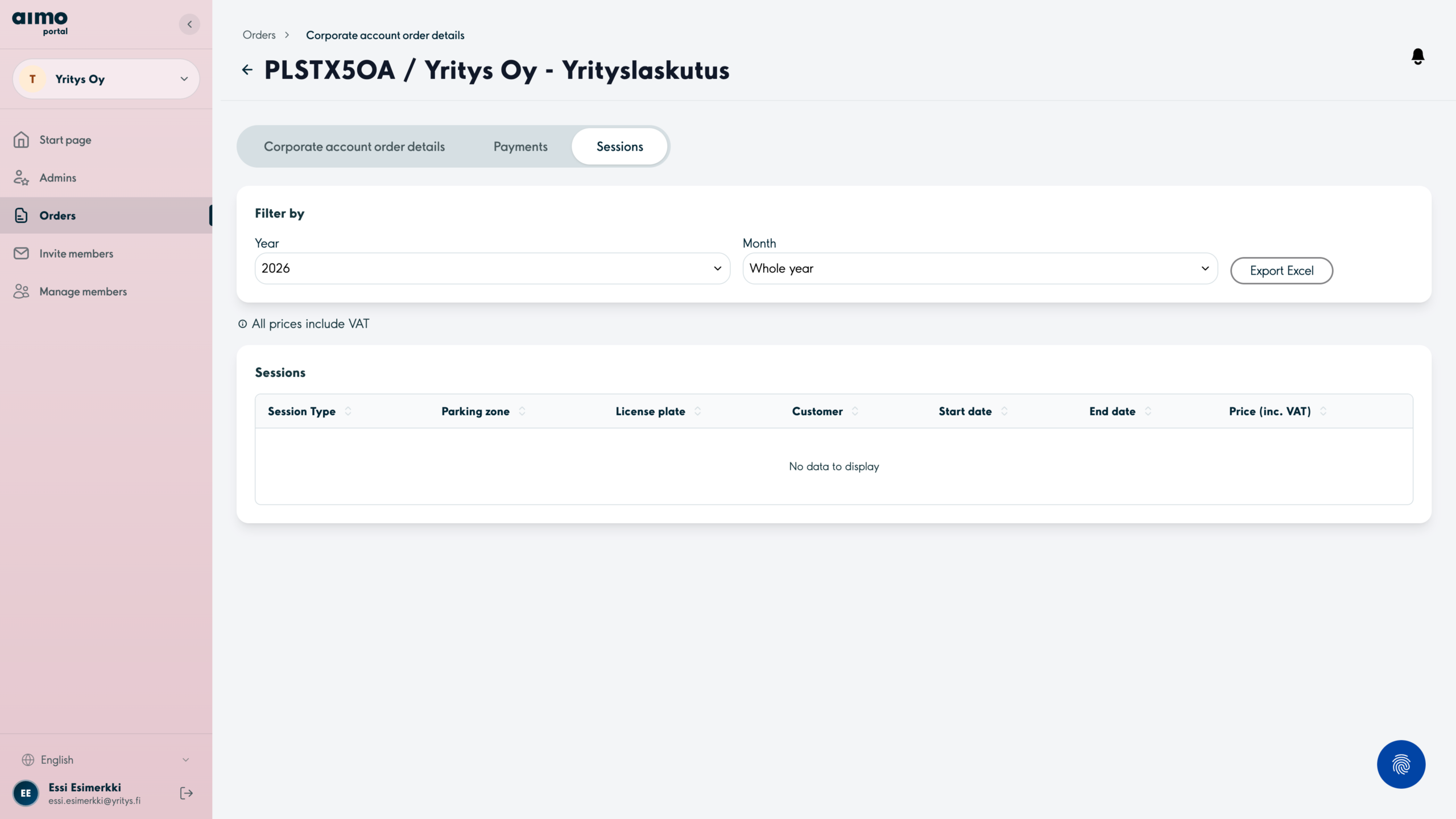
You can view parking and charging sessions by selecting Sessions.
6. By clicking on the desired monthly row in the Payments section, you can see a more detailed breakdown of the payments.
7. In the Sessions section, you can view parking and charging sessions in more detail. You can filter the list by year and month. You can also download the list of sessions as an Excel file to your computer.
Additional tip
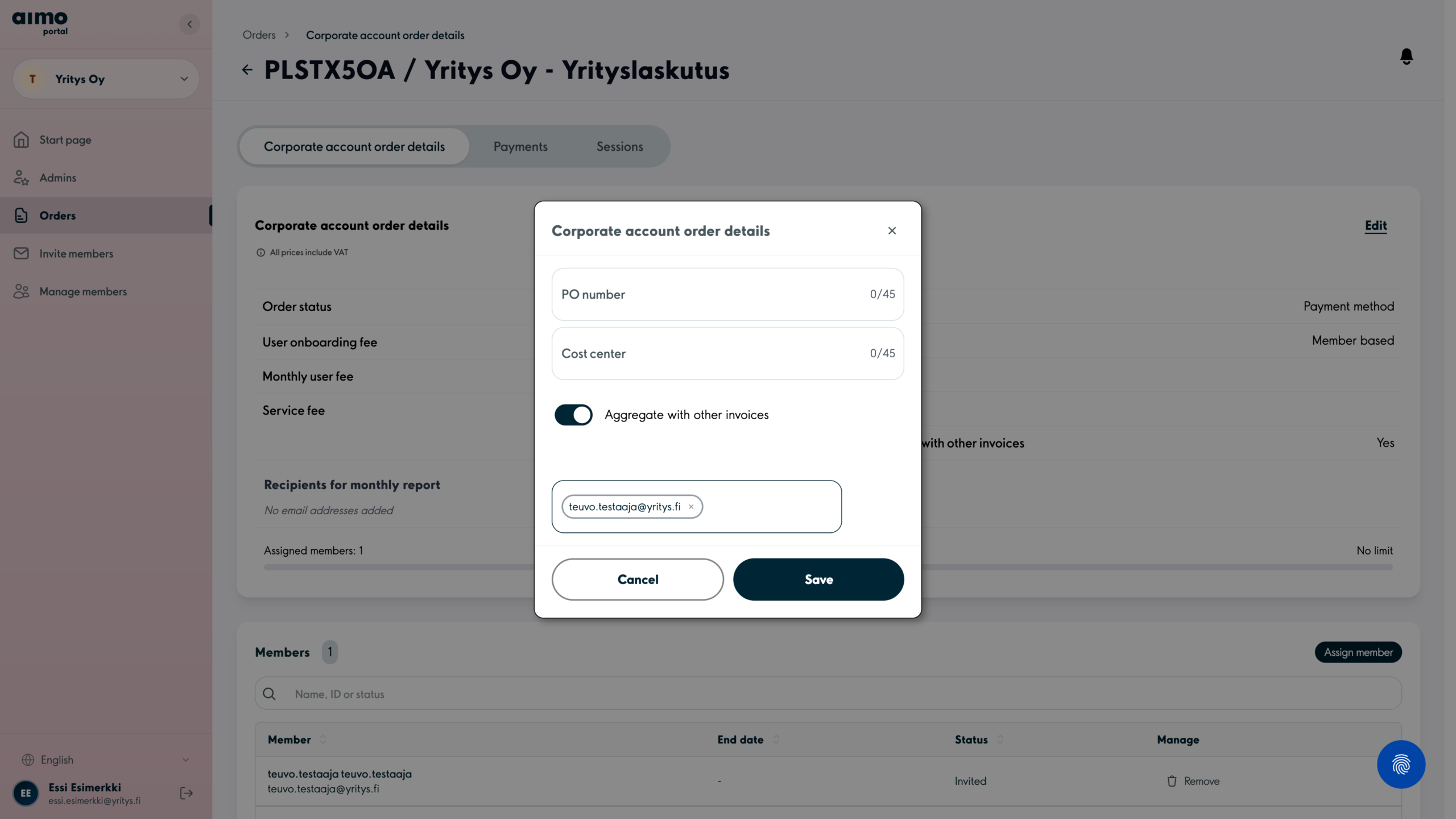
1. If you would like to receive an email report at the beginning of each month about the previous month’s sessions, add the recipients to the Recipients for monthly report field by selecting Edit at the top.
2. Enter your preferred email address in the field, confirm it by pressing Enter and select Save to finish.