
How to add users to member groups
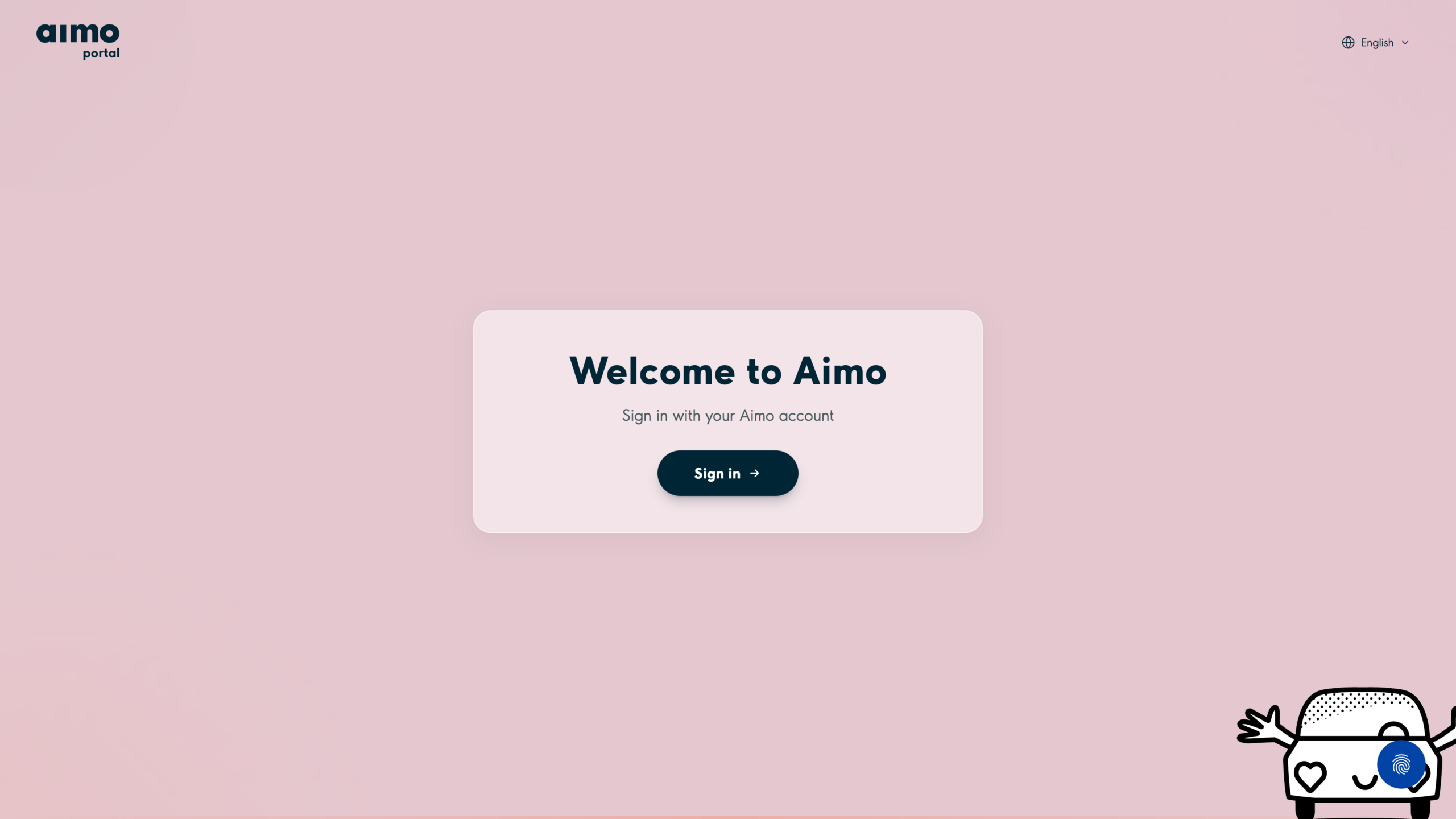
1. Go to https://portal.aimopark.io/ and select Sign in.
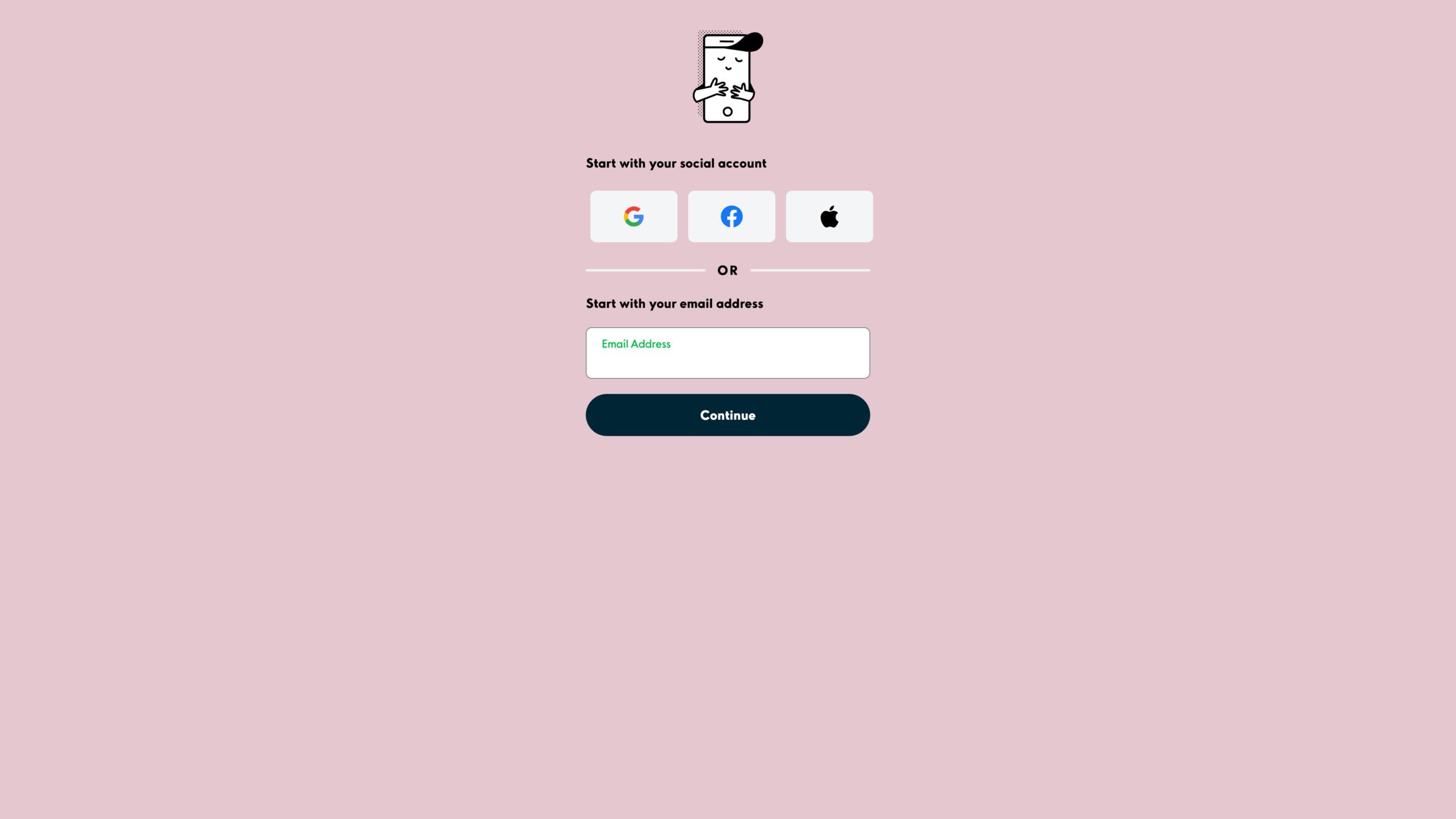
2. Sign in with the email address provided to Aimo Park.
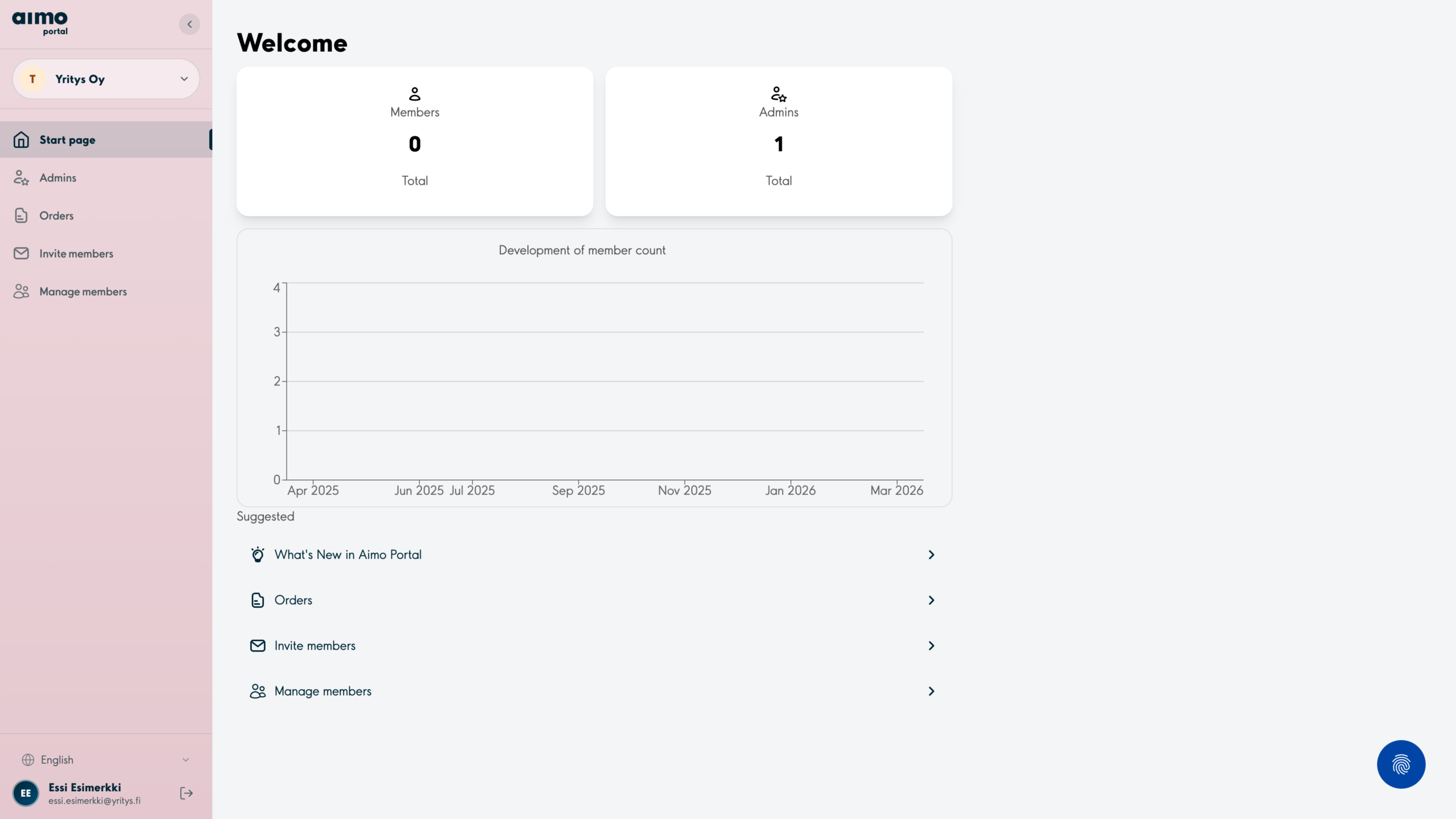
3. Select Invite members from the side menu.
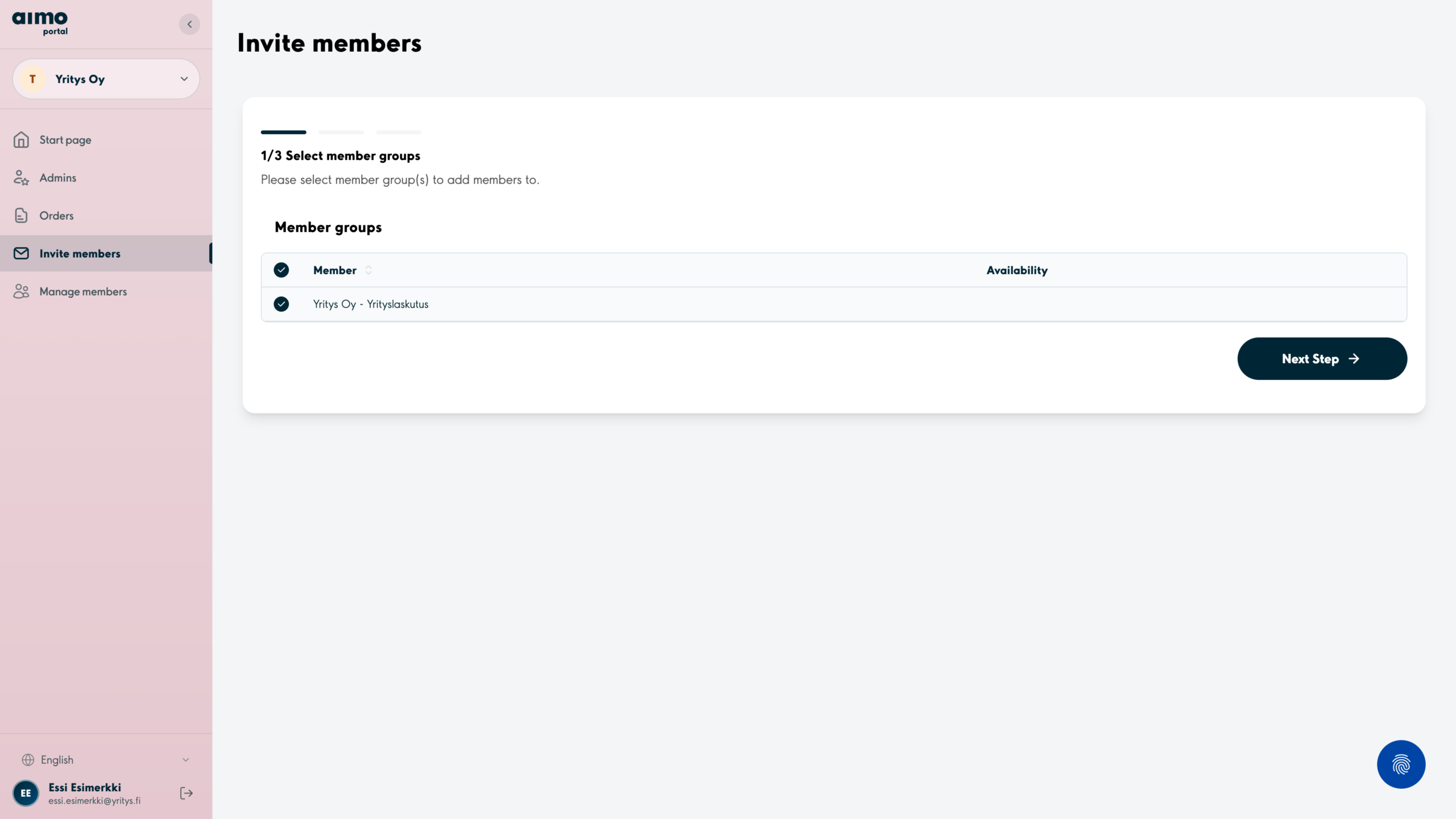
4. Select the member group you want to add users to and press Next step.
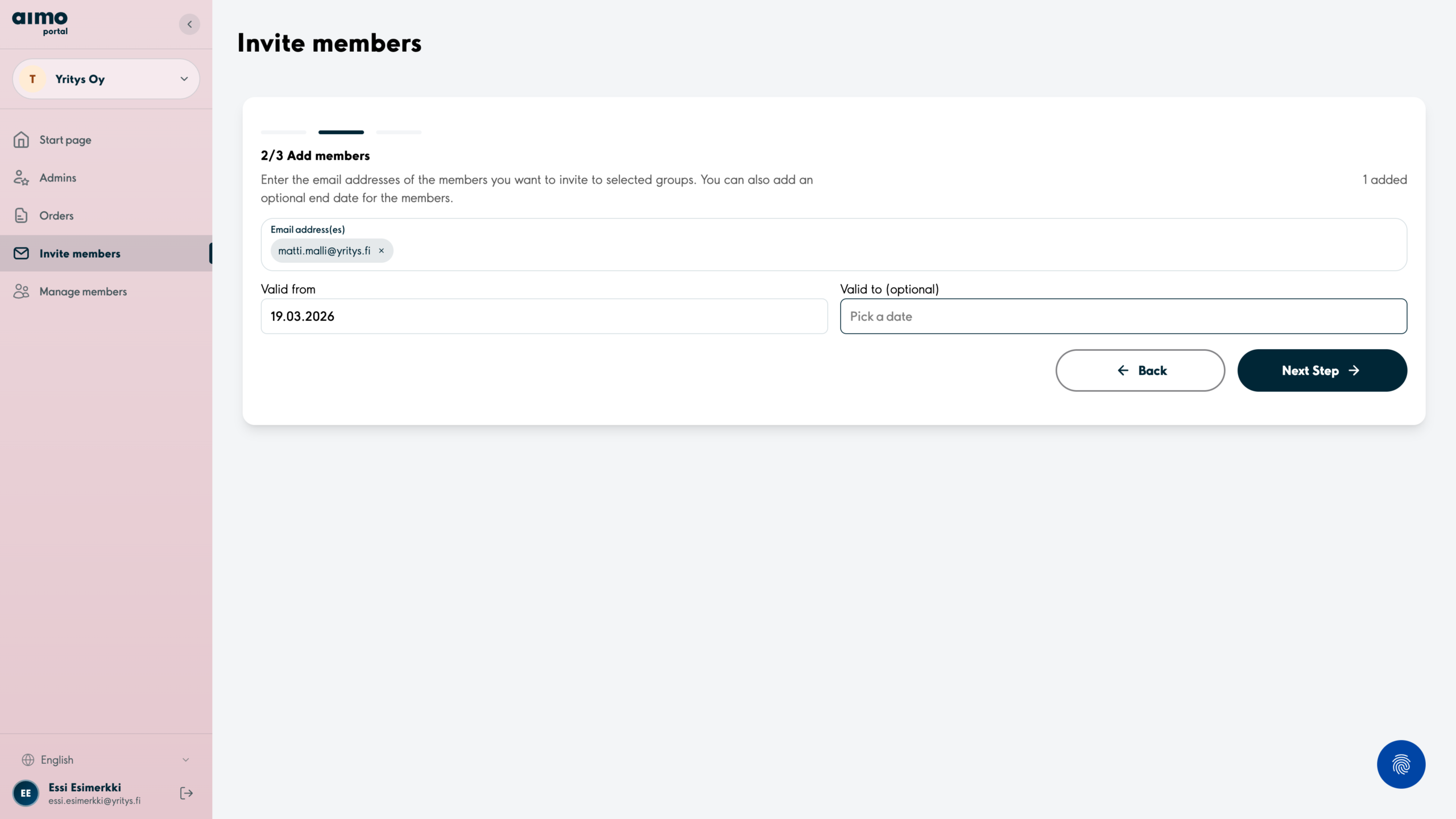
5. Type or paste the email addresses of all the users you wish to add. You may choose a different Valid from date and if necessary, also a Valid to date. Proceed by clicking Next step.
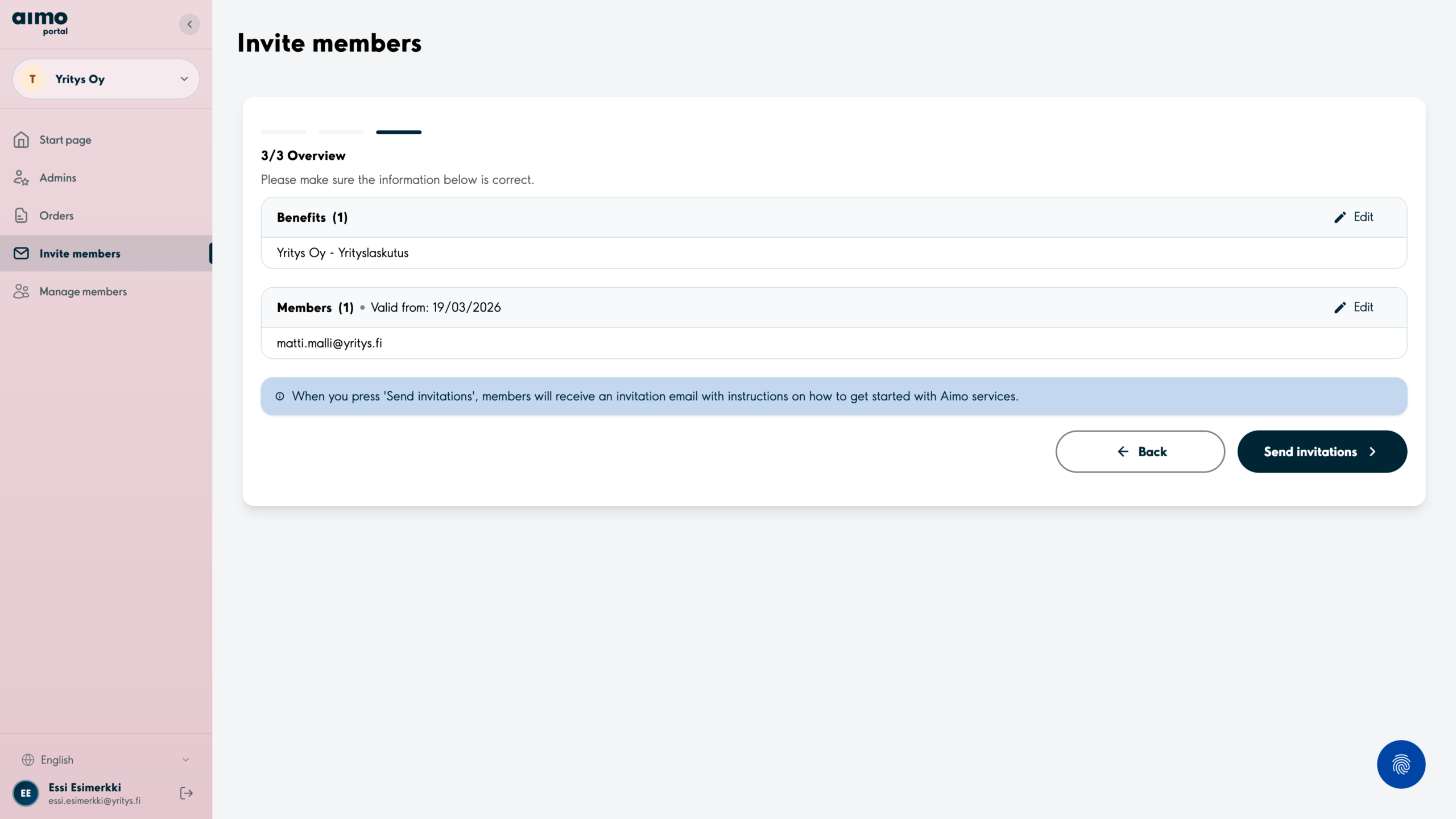
6. Here you will see a summary of the users who will be added to the member group. Please check that the information is correct and proceed by clicking Send invitations.
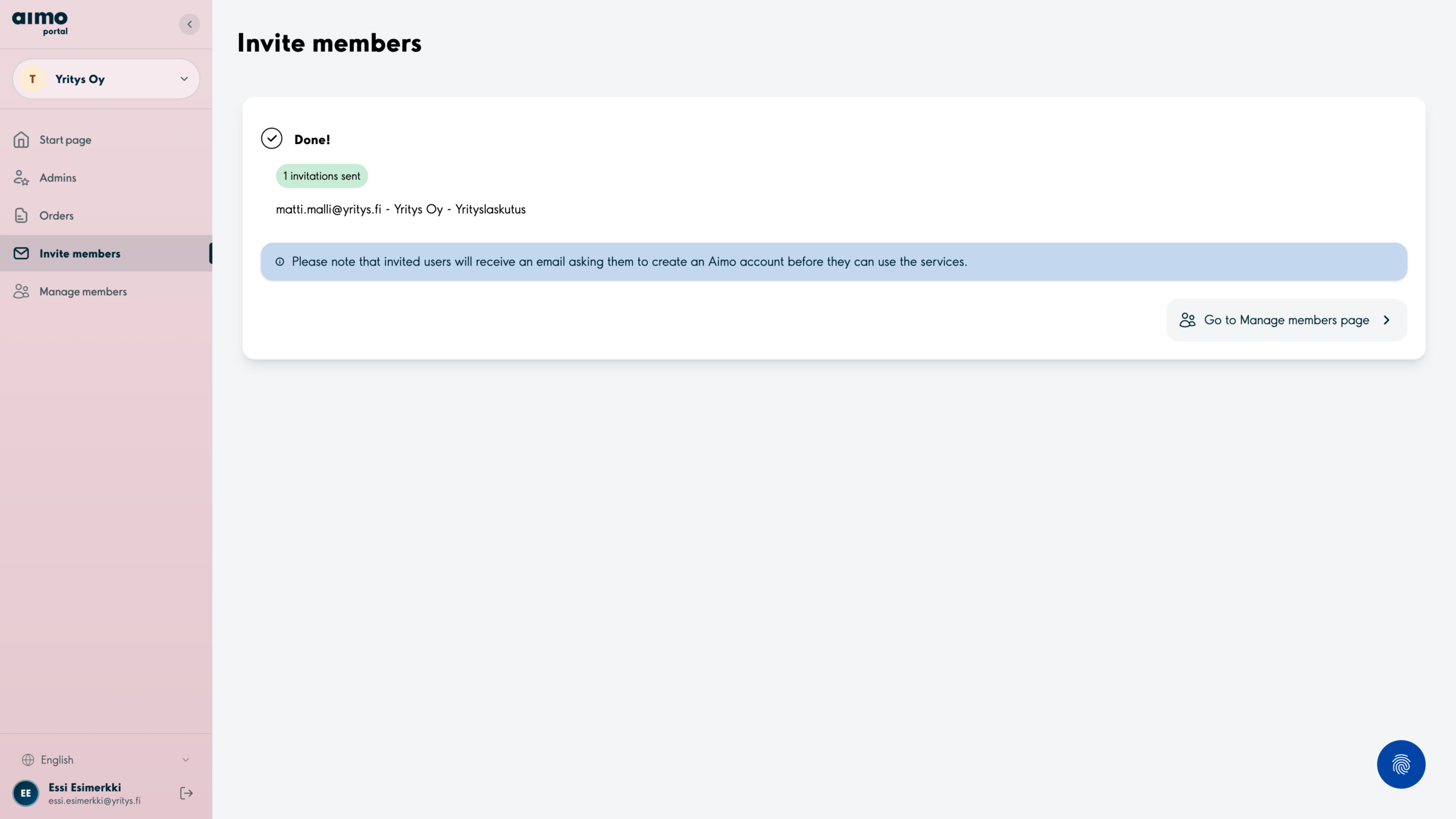
7. Users will receive an invitation email with instructions for application and benefit usage.
How to remove users from member groups
1. Select Manage members from the side menu. Click the Edit button on the user you want to remove.
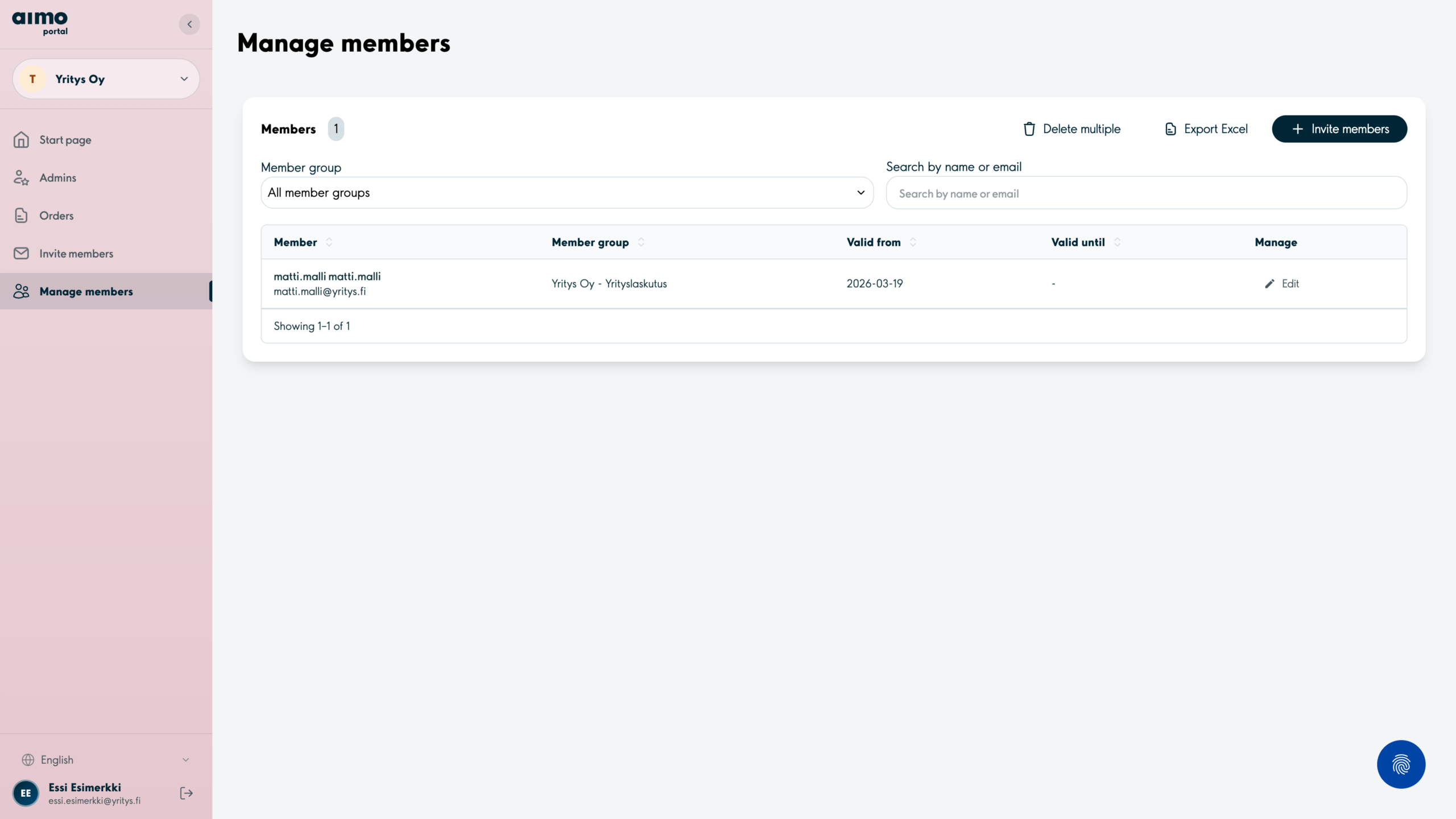
2. If necessary, here you may choose a Valid to date in the future, if the user does not need to be removed immediately – confirm by clicking Save. Otherwise click the Remove from group button.
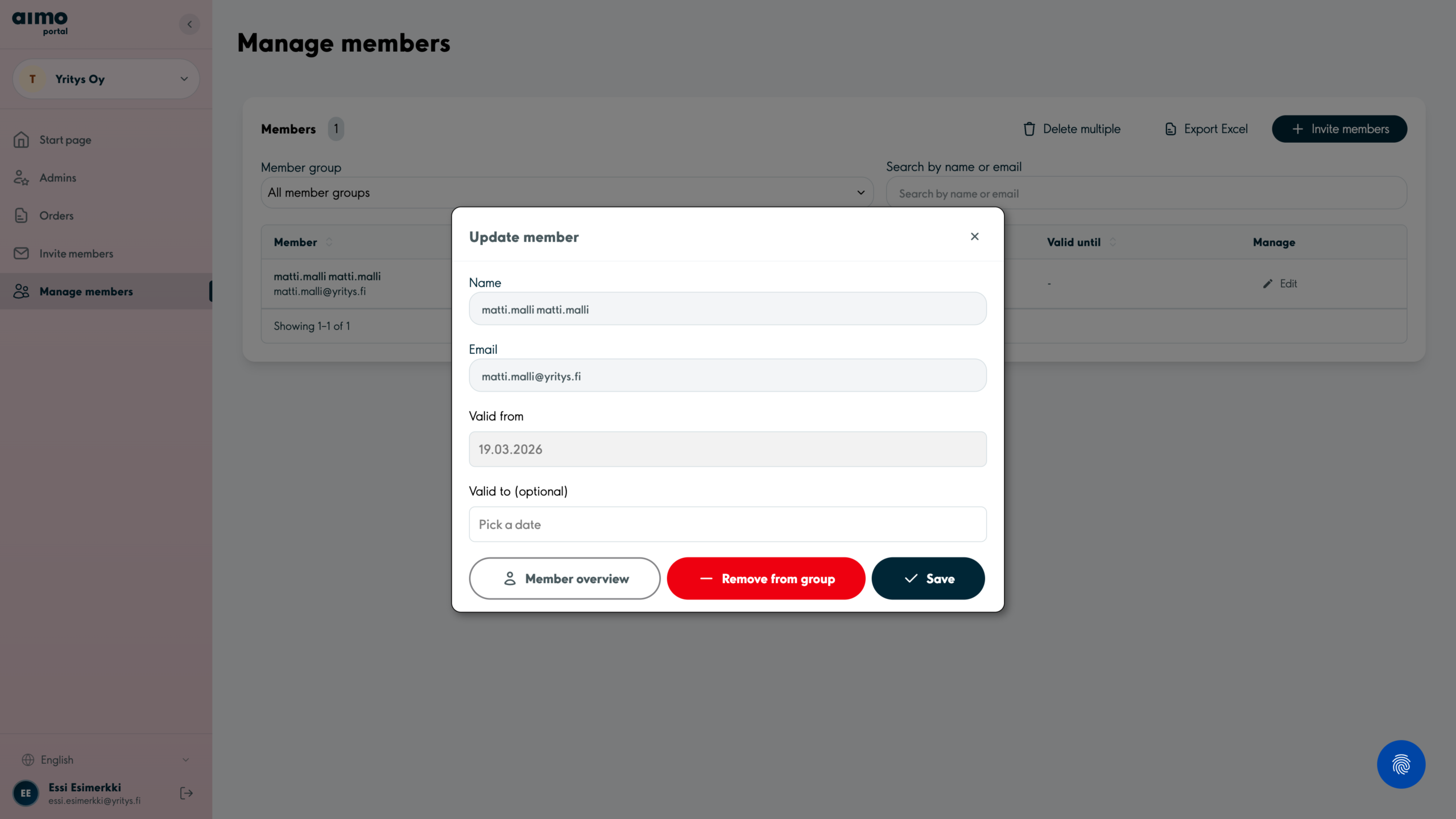
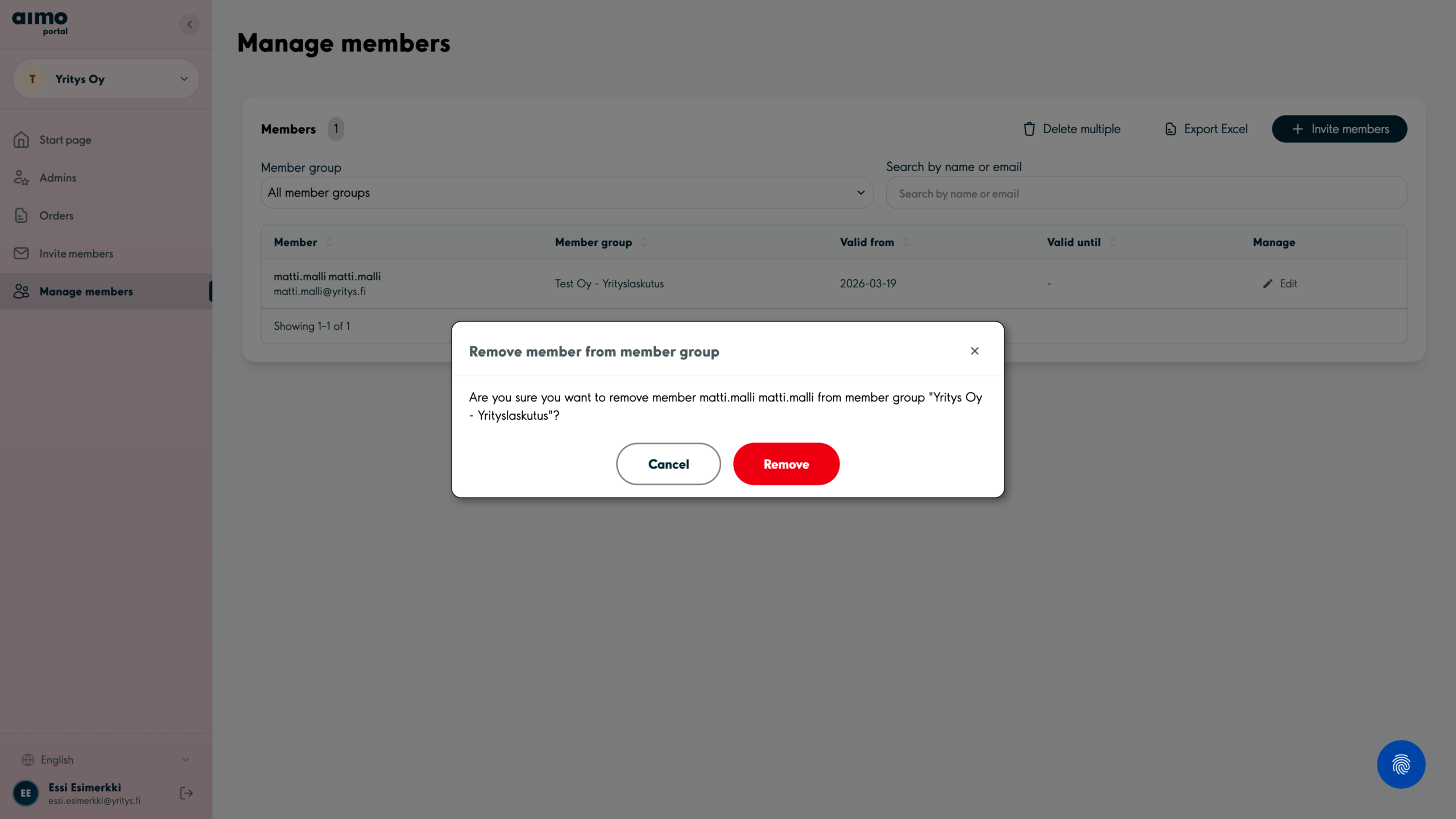
3. Confirm removal by clicking the Remove button. This will take effect immediately.